How Much Do Local Services Ads Cost?
Local Services Ads charge per lead, not per click — and Google doesn't publish a flat price. Here's exactly how LSA pricing works, what drives your cost per lead, and what the Google Guaranteed badge does and doesn't cost.
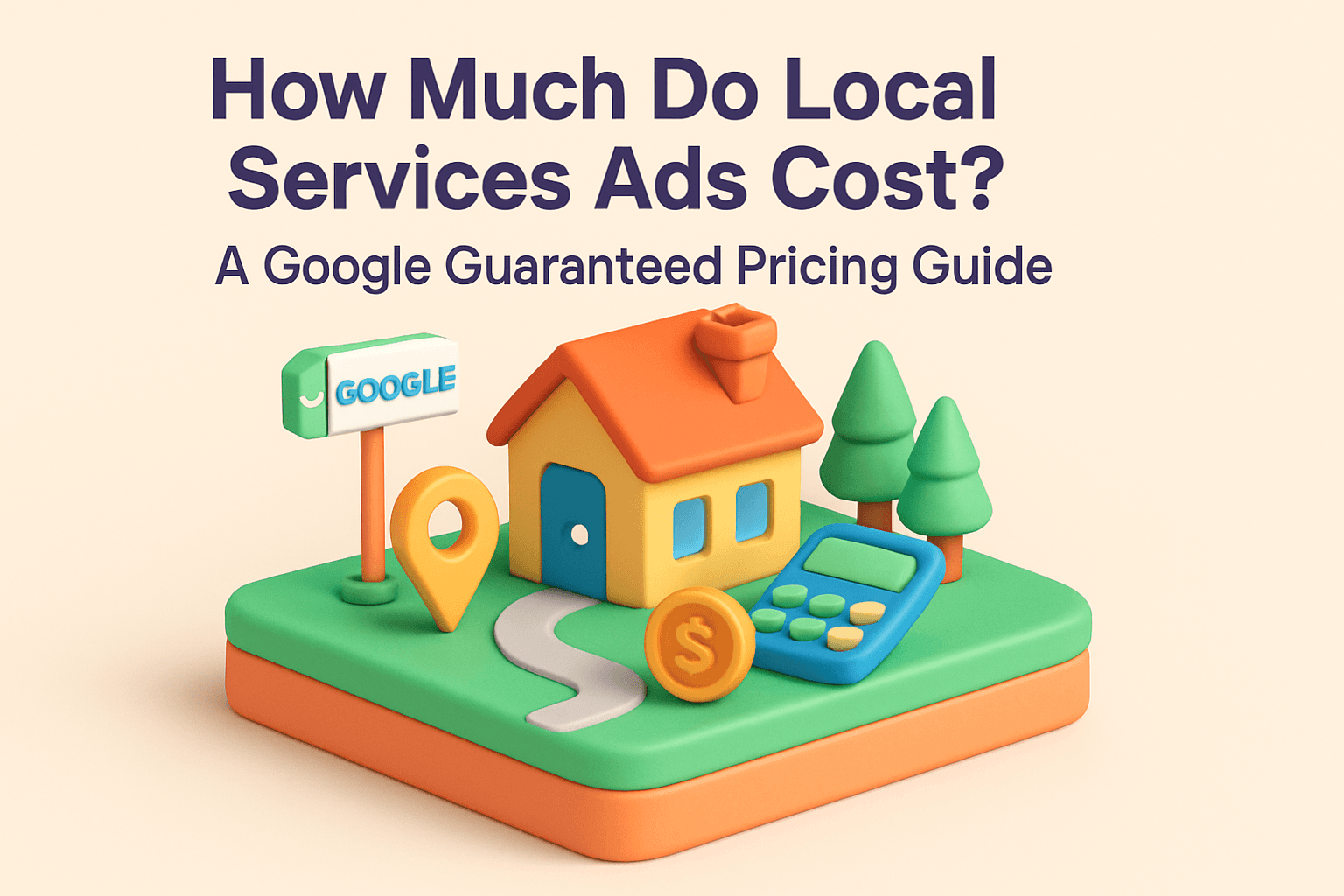
Local Services Ads (LSA) don't have a price list, and that's the first thing that trips people up when they're budgeting for one. Unlike regular Google Ads, where you can look up an average cost per click before you spend a dollar, LSA pricing is set lead by lead — in real time — based on your industry, your location, and how many other verified businesses are competing for the same searches.
The short version: you pay per lead — a call or message from a real customer — not per click or impression, and you control your spend with a weekly budget rather than a bid. The rest of this guide breaks down how that pricing actually works, what pushes your cost per lead up or down, and what getting Google Guaranteed or Google Verified actually costs to obtain.
What Local Services Ads Actually Cost
There is no universal LSA price, because Google isn't selling you a click — it's selling you a qualified lead, and the price of a lead depends on what that lead is worth in your specific category and city. A plumber in a competitive metro and a wedding photographer in a small town are drawing from completely different pools of advertisers and completely different customer values, so their cost per lead will never match.
What Google does show you upfront is a suggested weekly budget during signup, based on typical lead volume and pricing for your category and service area. That number is a starting estimate, not a guarantee — actual cost per lead moves with demand, seasonality, and how many other businesses in your area are running LSAs at the same time.
How the Pay-Per-Lead Model Works
Regular Google Ads charges you every time someone clicks your ad, whether or not they ever contact you. Local Services Ads flip that: you're only charged when Google determines a call or message is a legitimate lead from a real customer in your service area and category. A curious click costs you nothing.
Instead of setting a bid per click, you set a weekly budget — essentially how many leads you're willing to pay for in a given week. Google's system paces your visibility against that budget, factoring in expected lead volume and going rates in your market. Spend less time managing bids and more time answering the phone.
- A phone call from a customer in your service area and category — billable once Google validates it as legitimate
- A message sent through your LSA listing that a real customer initiates
- Repeat contact from the same customer about the same job — typically not billed again within a set window
- Spam, wrong numbers, solicitations, and out-of-area contacts — these should never be billed if disputed promptly
This card tracks each contact type as a status feed, showing what gets billed and what doesn't.
WHAT COUNTS AS A BILLABLE LEAD
- Phone call — In area/categoryValidated by GoogleBilled
- Message via listing — Real customerSent through profileBilled
- Repeat contact — Same customer/jobWithin set windowNot billed again
- Spam or wrong number — Out-of-areaShould be disputedNever billed
DISPUTE INVALID LEADS PROMPTLY
What Determines Your Cost Per Lead
Cost per lead isn't a fixed number Google assigns to your business — it moves based on a handful of factors, some you control and some you don't.
Industry and location
The category you're advertising in and the market you're advertising in are the two biggest levers. Home services categories in dense, competitive metros generally see higher lead prices than the same category in a smaller market, simply because more businesses are bidding for the same limited pool of customers.
Competition, reviews, and response speed
Unlike regular Google Ads, LSA ranking doesn't run primarily on price — it runs on a mix of review profile, proximity, responsiveness, and business hours. A stronger profile doesn't necessarily lower your price per lead, but it directly affects how many leads your budget actually buys, because Google shows better-ranked businesses more often.
- Review count, average rating, and recency — a steady stream of recent reviews outperforms a one-time burst
- How quickly you answer calls and reply to messages — Google rewards fast response with higher placement
- Your booking rate — how often leads Google sends you turn into booked jobs
- Proximity to the searcher and how completely your profile, services, and hours are filled out
WHAT AFFECTS YOUR COST PER LEAD
- Industry and locationBIGGEST PRICE LEVERS
- Review count, rating, recencyIMPROVES RANKING, NOT PRICE DIRECTLY
- Response speed to calls and messagesHIGHER PLACEMENT, MORE LEADS PER BUDGET
- Booking rateAFFECTS HOW OFTEN GOOGLE SHOWS YOU
- Proximity and profile completenessAFFECTS VISIBILITY
RANKING DETERMINES HOW FAR YOUR BUDGET GOES
What the Google Guaranteed Badge Costs (and Requires)
There's no separate fee to apply for the Google Guaranteed or Google Verified badge — it's part of the standard LSA signup process, not an add-on purchase. What it does require is time and paperwork.
Getting verified
Google screens LSA advertisers before granting the badge: business registration checks, license verification where your category requires a license, proof of insurance, and background checks on the business owner and any relevant employees in categories where that applies (like home services). None of that screening carries a Google fee, but if your business doesn't already carry the required insurance or licensing, obtaining those is a real cost outside of Google's process — one worth budgeting for separately if you're not already covered.
What the guarantee actually covers
In eligible categories, Google backs jobs booked through Local Services Ads with a guarantee: if a customer is unsatisfied with work booked through the ad, they can file a claim with Google, and Google will review it and may reimburse the customer up to a lifetime cap disclosed during your signup. This guarantee is funded by Google, not billed to you per claim — but a pattern of valid claims against your business can affect your standing on the platform, so it's not something to treat as a formality.
How to Control and Lower Your LSA Costs
- Dispute invalid leads immediately — spam, wrong numbers, and out-of-area contacts should be flagged weekly, not left to accumulate.
- Answer the phone. Response speed is a direct ranking input, and better placement means your weekly budget reaches more real customers instead of running out on fewer leads.
- Keep your review pipeline running. More recent, authentic reviews improve your placement at the same budget — it's the single highest-leverage lever most businesses ignore.
- Set your weekly budget to match your actual job capacity, not an aspirational number. A budget you can't fulfill wastes spend on leads you have to turn away.
- Track cost per booked job, not just cost per lead. A slightly more expensive lead that books at a higher rate is cheaper than a bargain lead that never converts.
- Fill out your service list and profile completely. Incomplete profiles get shown less often regardless of budget.
Local Services Ads vs. Google Ads: Which Costs Make Sense for You
The two platforms solve different budgeting problems, and most local service businesses that qualify for both eventually run them together rather than choosing one.
- Google Ads (search campaigns) charges per click and gives you full control over keywords, ad copy, and landing pages — you can budget precisely but you pay whether or not a click ever converts. Our Google Ads budget guide walks through that math in detail.
- Local Services Ads charge per lead, so a curious browser costs you nothing — but you have far less control over exactly which searches trigger your ad, and pricing moves with market demand rather than a bid you set.
- LSAs rank on reviews and responsiveness more than budget size, so a smaller business with a strong review profile can out-rank a bigger competitor with a larger budget — that's rarely true in a straight Google Ads auction.
- LSAs only cover certain categories — home services, several business and professional services, health, automotive, beauty, wellness, learning, and care services. If your category isn't eligible, regular Google Ads search campaigns fill the same role at the top of the page.
This card compares the two platforms side by side, option style.
LSA VS GOOGLE ADS
- Google AdsFull keyword & copy controlCharged per click
- Local Services AdsLess control over triggering searchesCharged per lead
- LSA ranking factorReviews & responsivenessOutweighs budget size
- LSA eligibilityOnly certain service categories qualifyHome services, health, beauty, more
MANY BUSINESSES RUN BOTH PLATFORMS TOGETHER
Whichever platform (or combination) you run, the money spent on ads or leads always goes directly to Google — it's billed separately from any management fee if you hire an agency to run the account.
Getting Started With a Local Services Ads Budget
The core things to remember: LSAs charge per lead, not per click, and Google sets that price dynamically based on your category, location, and competition — there's no flat rate to plug into a spreadsheet ahead of time. The badge itself costs nothing extra to earn, though the licensing and insurance behind it might if you don't already carry them. And your cost efficiency is driven less by budget size than by how fast you respond and how strong your review profile is.
- This week: check whether your category is LSA-eligible and start the signup flow to see Google's suggested weekly budget for your area — it's free to check.
- Audit your Google Business Profile and recent review activity, since both directly affect how far your LSA budget stretches.
- If you're already running LSAs, pull the last 30 days of leads and dispute anything that shouldn't have been billed.
- Set a weekly budget that matches how many new jobs you can realistically take on right now, not a bigger number you hope to grow into.
If you'd rather have someone handle the verification paperwork, build out the profile, and run the weekly budget and dispute review so your spend buys real jobs instead of guesswork, that's exactly what our Local Services Ads management covers, and it is included in our Google Ads plan where your category qualifies. A free strategy call is the easiest way to find out honestly whether LSAs fit your category and market.