AI Chatbots for Small Business: What Actually Works in 2027
A practical, no-hype guide to AI chatbots for small business in 2027: what actually converts leads, where bots fall short, and how to set one up correctly.
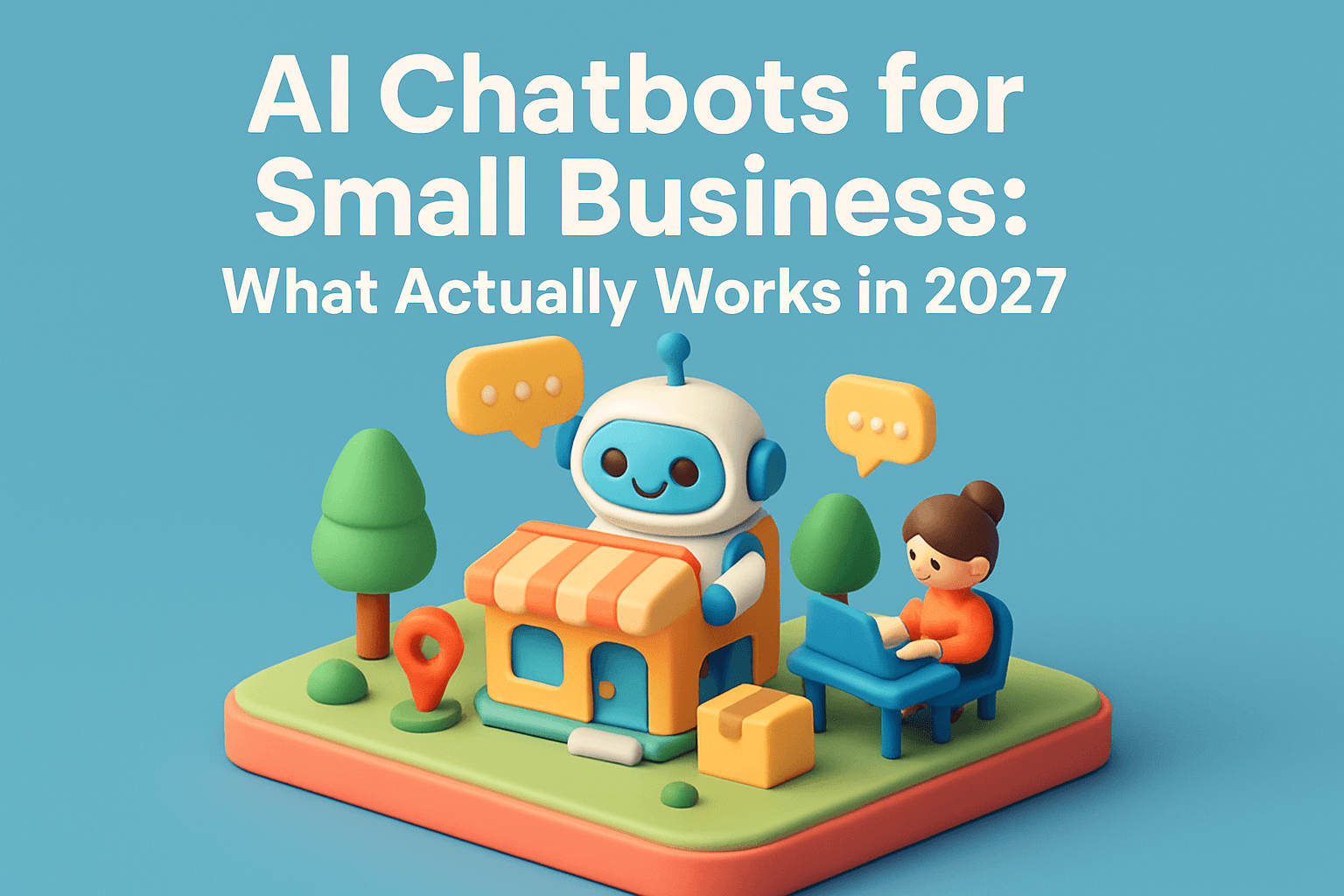
AI chatbots work for small businesses in 2027 when they do one job well: capturing a lead the moment it arrives, answering a routine question, or booking an appointment. They stop working the minute a business asks them to replace a real sales conversation or a knowledgeable staff member.
That distinction is the whole story. Chatbot technology has matured a lot since the scripted pop-ups of the early 2020s, but the businesses seeing real results are using them narrowly and connecting them to real systems, not treating them as a substitute for good service.
Why Chatbots in 2027 Are Different From the Early Hype
Early small-business chatbots were mostly decision trees. A visitor clicked a button, the bot gave a canned answer, and if the question fell outside the script, the conversation dead-ended. That experience gave chatbots a bad reputation with a lot of business owners, and rightly so.
Today's chatbots are built on large language models that can actually understand a customer's question, hold context through a conversation, and hand off cleanly to a human when needed. The technology is no longer the limiting factor. The limiting factor is how well a business defines the bot's job and connects it to the tools that run the business, like a calendar, a CRM, or a phone system.
In the accounts we manage, the chatbots that produce measurable results are almost always tied to a specific, narrow outcome: capture the lead, book the slot, answer the question, route the call. The ones that underperform are usually trying to do too much.
The Chatbot Use Cases That Actually Produce Results
If you're deciding whether a chatbot is worth adding to your website or Google Business Profile, start with the jobs that have a track record of working for small, local businesses.
Instant Lead Response
Speed to first response is one of the strongest predictors of whether a lead converts. A chatbot that greets a visitor, asks two or three qualifying questions, and captures contact details within seconds does something a business owner physically cannot do around the clock.
Appointment Booking and Scheduling
Service businesses like contractors, auto shops, and clinics benefit from a bot that checks calendar availability and books a time slot directly, without a back-and-forth email chain. This works best when the booking tool talks directly to the calendar the business already uses.
FAQ and Pre-Qualification
Questions like "do you service my area," "what does this cost," or "are you open Sundays" are asked constantly and rarely need a human. A well-trained bot can answer these instantly and filter out unqualified inquiries before they hit a staff member's inbox.
After-Hours Coverage
A chatbot that stays available at 9 p.m. on a Saturday, when a lot of home service and restaurant searches actually happen, keeps a business from losing a lead simply because nobody was there to answer.
CHATBOT USE CASES THAT WORK
- Instant lead responseCAPTURES CONTACT DETAILS WITHIN SECONDS
- Appointment bookingBOOKS A SLOT DIRECTLY VIA THE CALENDAR
- FAQ and pre-qualificationANSWERS INSTANTLY, FILTERS UNQUALIFIED LEADS
- After-hours coverageCATCHES LEADS WHEN NO STAFF IS AVAILABLE
NARROW JOBS, CONNECTED TO REAL SYSTEMS
- Chatbots work best on jobs with a clear, repeatable outcome
- The strongest use case for most small businesses is speed: answering before a competitor does
- Bots that connect to a real calendar or CRM outperform bots that just collect an email address
- After-hours and weekend coverage often produces the highest volume of chatbot-driven leads
Where Small Business Chatbots Still Fall Short
It's worth being honest about the limits, because a lot of the frustration business owners have with chatbots comes from asking them to do the wrong job.
- Complex, high-consideration sales conversations still need a human, especially for big-ticket services
- Generic, off-the-shelf scripts that don't reflect the business's actual services or pricing frustrate customers fast
- Bots with no clear handoff to a human create dead ends that cost leads instead of saving them
- A chatbot connected to outdated business information, like old hours or discontinued services, does more harm than good
- Bots layered onto a slow, cluttered, or confusing website won't fix the underlying problem. If visitors are already leaving before the chat widget loads, see why slow websites lose leads
A chatbot is a tool for handling volume and speed. It is not a substitute for a clear website, accurate business information, or a real answer to a real question. The comparison below lines up each scenario with its outcome.
WHAT WORKS VS. WHAT DOESN'T
- Narrow, repeatable jobMatches the bot to one clear taskWorks wellBest fit
- Complex, high-consideration salesNeeds a real conversationStill needs a humanEscalate
- Generic, off-the-shelf scriptsIgnores real pricing and servicesFrustrates customers fastAvoid
- No clear handoff to a humanLeaves visitors stuckDead end, lost leadsAvoid
- Outdated business informationWrong hours or servicesDoes more harm than goodAvoid
THE JOB DEFINITION IS THE DIFFERENCE
How to Choose the Right Chatbot for Your Business
Most small business owners overcomplicate this decision by looking at features instead of jobs. A simpler process works better.
- Pick one job for the bot to do first, such as capturing after-hours leads or booking estimates
- Confirm it connects to the systems you already use: calendar, CRM, or texting platform, so leads don't sit in a separate inbox
- Build in a clear, easy handoff to a phone call or human chat for anything the bot can't answer
- Write the bot's answers using your actual services, service area, and pricing, not generic industry copy
- Test it yourself by asking the questions your real customers ask, including odd or off-topic ones
- Review the conversation logs monthly and fix the questions the bot handled poorly
CHATBOT SETUP PROCESS
- Step 1 — Pick one jobDefine the bot's first taskStart
- Step 2 — Connect real systemsCalendar, CRM, or texting platformConnect
- Step 3 — Build in a handoffRoute to a human when neededSafety net
- Step 4 — Use real business infoActual services, area, and pricingAccuracy
- Step 5 — Test with real questionsCatch gaps before customers doTest
- Step 6 — Review logs monthlyFix poorly handled questionsOngoing
ONGOING TUNING, NOT SET-AND-FORGET
That last step matters more than most businesses expect. A chatbot is not a set-it-and-forget-it tool. It needs the same kind of ongoing attention as a Google Ads campaign or a Google Business Profile.
Chatbots, Your Website, and AI Search Are Now Connected
There's a second reason chatbot setup matters more in 2027 than it did a few years ago. Customers are increasingly finding businesses through AI-powered search tools like ChatGPT, Perplexity, and Google's AI Overviews before they ever land on a website.
If your business gets surfaced in one of those AI answers, the customer who clicks through is often ready to act. A chatbot that responds instantly when they arrive can be the difference between capturing that lead and losing it to a competitor's site that responded faster. We cover how to get found in these AI answers in more detail in our guide to getting cited by ChatGPT, Perplexity, and Google AI.
The same logic applies to your Google Business Profile, which feeds a lot of local AI-driven results. Keeping that profile accurate and complete, as outlined in our Google Business Profile optimization checklist, is part of making sure the chatbot on the other end has correct information to work with.
What This Costs and Where It Fits Into Your Marketing Budget
Chatbot and lead-response automation is usually a smaller line item than paid advertising, but it should be planned alongside it, not as an afterthought. A chatbot that captures a lead is only valuable if that lead is actually worth something, which depends on the traffic sending people to your site in the first place.
For businesses running paid traffic through Google Ads or Local Services Ads, an instant-response chatbot protects the return on that ad spend by making sure fewer clicks go to waste. For businesses building organic traffic through SEO or Local SEO, it does the same job for slower-building, longer-term traffic.
If you're weighing chatbot automation against other budget priorities, our breakdown of Google Ads spending for small businesses and our pricing overview are useful starting points for seeing how the pieces fit together.
Key Takeaways and What to Do This Week
AI chatbots earn their place in a small business's marketing stack when they handle a specific, well-defined job: fast lead response, appointment booking, FAQ answers, or after-hours coverage. They fall short when asked to replace real sales conversations or when they run on outdated, generic information.
- Review your website and Google Business Profile this week to confirm your hours, services, and pricing are accurate, since any chatbot will only be as good as this information
- Write down the three questions your team answers most often by phone or email. These are strong starting points for a chatbot's first job
- Check how long it currently takes your business to respond to a new lead after hours or on weekends. That gap is usually the clearest opportunity
- If you already run paid ads, look at whether after-hours or weekend traffic is going unanswered
If you'd rather have this mapped out and set up correctly rather than piecing it together on your own, our AI Automation service is built around exactly this: instant lead response, AI chat, and workflows that keep working when your team is off the clock. You can also book a call to talk through what a chatbot would realistically do for your specific business before committing to anything.