How to Fix a Suspended Google Business Profile
A suspended Google Business Profile can be fixed. Learn how contractors diagnose soft vs. hard suspensions, file reinstatement, and prevent it again.
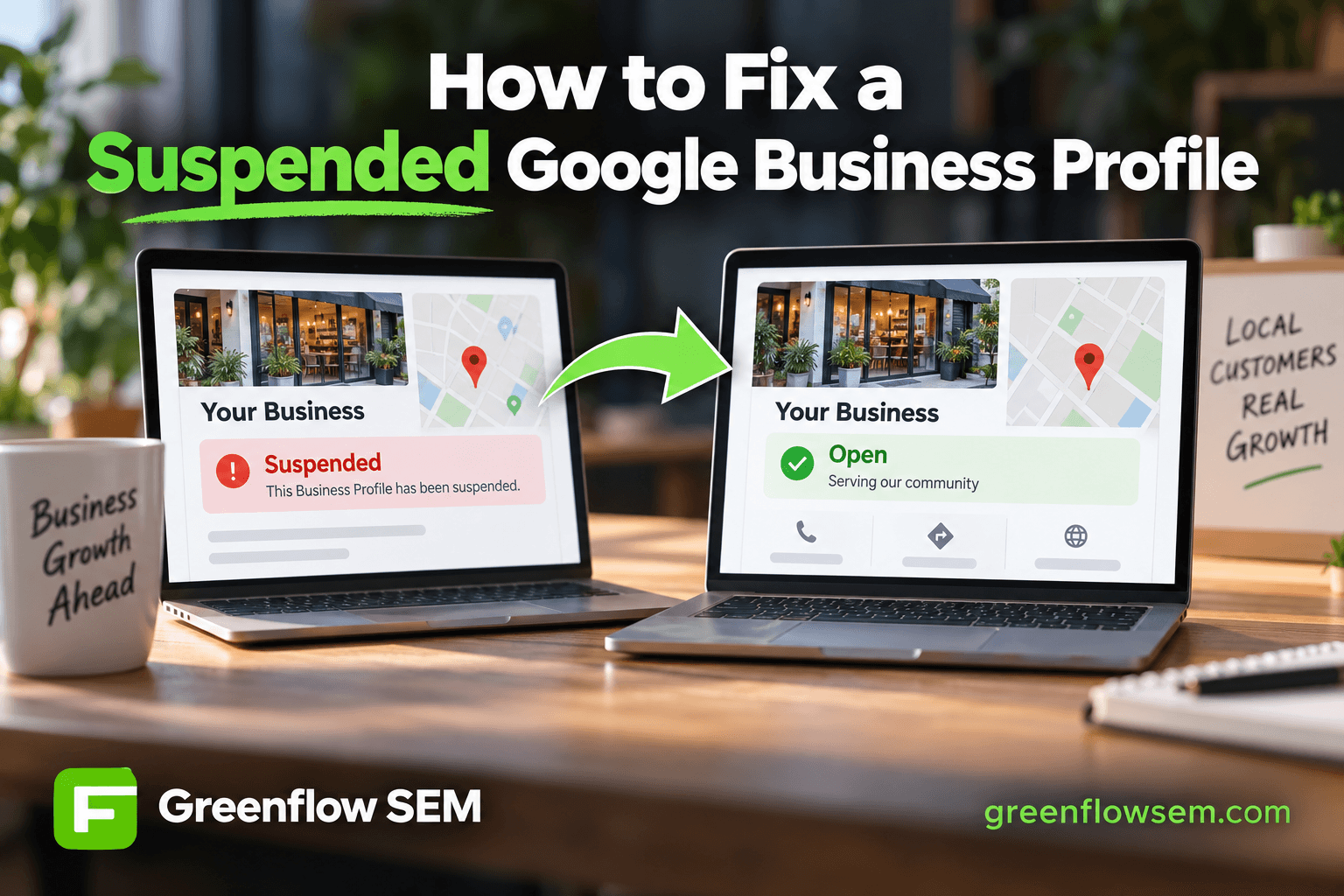
A suspended Google Business Profile is fixable in most cases, but the fix depends on which type of suspension you're dealing with. A soft suspension hides your listing from search and maps while leaving your dashboard accessible, which means you correct the flagged issue yourself and request a review. A hard suspension locks you out of the dashboard entirely, which means you file a reinstatement request through Google's official form and wait for a human reviewer.
For contracting businesses specifically, suspensions almost always trace back to a handful of recurring issues: an address that looks residential or unstaffed, a business name stuffed with keywords, duplicate listings from the same company, or a sudden batch of edits that trips Google's automated spam filters. Fixing the suspension means identifying and correcting the actual violation, not just resubmitting and hoping Google reverses course.
Why Google Suspends Contracting Business Profiles
Google runs both automated and manual reviews on every Business Profile, and contractors get flagged more often than most industries. That's partly because contracting is a service-area business category prone to address confusion, and partly because the industry has a long history of spammy listing practices, like one license holder running a dozen near-identical profiles across a metro area.
Google's systems look for patterns that resemble past abuse. A profile doesn't need to be doing anything malicious to get caught. It just needs to match a pattern Google has learned to distrust.
- Business name includes keywords like city names or service terms instead of the legal name
- Listed address is a home, UPS box, or shared coworking space without being properly hidden
- Multiple profiles exist for the same business, crew, or franchise territory
- Reviews show unnatural patterns, such as a burst of five-star reviews in a short window
- Recent bulk edits to name, address, category, or phone number within a short time frame
Soft Suspension vs. Hard Suspension: What Actually Changed
Soft Suspension
With a soft suspension, your listing disappears from Google Search and Maps, but you can still log into Google Business Profile Manager. This is the more common and more fixable scenario. Google is telling you something on the live listing doesn't match its guidelines, and it wants you to correct it before restoring visibility.
Hard Suspension
A hard suspension is more serious. The entire profile, and sometimes the linked account, gets locked. You can't edit anything, respond to reviews, or post updates. Hard suspensions usually follow repeated policy violations, a pattern Google associates with spam networks, or a complaint that triggered manual review.
SUSPENSION TYPE
- Soft suspensionHidden, dashboard works
- Hard suspensionLocked, no dashboard
- New profile, thin historyHigher suspension risk
- Bulk edits in one sittingTriggers spam review
- Repeated policy flagsRisk of permanent ban
This distinction matters because the two paths require different actions. Treating a hard suspension like a soft one wastes time, and treating a soft suspension like a hard one means filing a formal reinstatement request when a simple correction and review request would have worked faster.
Check your dashboard first. If you can still see profile data, insights, and the edit screen, you're almost certainly dealing with a soft suspension. If the dashboard shows a suspension notice with no editing access, you're dealing with a hard suspension and need the reinstatement form.
How to Fix a Suspended Profile Step by Step
The process is the same whether you're a roofer, concrete contractor, or electrician. Google doesn't review contracting businesses differently from other categories once a suspension is in place. What differs is the specific violation you're correcting.
REINSTATEMENT PROCESS
- Audit the live listingDAY 1
- Fix the root causeDAY 1-2
- Gather proof documentsDAY 2
- Submit the requestDAY 2-3
- Wait for reviewDAYS 3-14
The audit step is the one most owners skip, and it's the one that matters most. Pull up your live listing and compare every field, the business name, address, phone number, category, hours, and photos, against what's actually true and against Google's guidelines for representing your business. Don't guess at what Google flagged. Look for the mismatch.
Once you've found and corrected the issue, document it. Google's reinstatement reviewers respond to evidence, not explanations. A photo of your business vehicle with signage, a copy of your contractor license, a recent utility bill matching the listed address, or a screenshot showing the corrected field all carry more weight than a written appeal alone.
- Business license or contractor license number matching your state registration
- A utility bill, lease, or insurance document showing your business address
- Photos of signage, a branded vehicle, or your storefront if you have one
- A screenshot of the corrected listing showing the fixed field
- A short, factual explanation of what was wrong and what you changed
Submit the reinstatement request through Google's official form rather than through a generic support email. Requests submitted outside the proper channel tend to sit unanswered. Once submitted, resist the urge to resubmit daily. Duplicate requests can slow down the queue rather than speed it up.
Common Reasons Contractors Specifically Get Flagged
Some suspension triggers are universal. Others show up disproportionately in contracting because of how the trade operates: crews work from home, multiple partners share a license, and service areas span several cities without a public storefront.
- Listing a home address as the public business location instead of marking the business as service-area only
- Running separate profiles for the same license holder in different neighborhoods or cities
- A business name that includes a tagline or service keyword, like 'Best Roofers in San Diego'
- Choosing a category that doesn't match the primary service, which can read as misrepresentation
- A sudden wave of reviews after a slow period, especially if they arrived within days of each other
PROFILE PRACTICES
- Use your exact legal business name
- Add service keywords to the name fieldCommon reason for suspension
- Mark home-based businesses as service-area
- List a residential address publicly
- Choose categories that match real services
- Change name, address, and category at onceTriggers automated review
The category question deserves extra attention because it's an easy thing to get wrong without realizing it. Choosing a category that's too broad, too narrow, or simply inaccurate can look like misrepresentation even when there's no intent to mislead. We've written a category-specific breakdown in our guide to choosing the right Google Business Profile category for roofers, and the same logic applies across most contracting trades.
Editing several fields in the same session is another avoidable trigger. Google's spam detection weighs how much changes and how fast. A new name, new address, and new category submitted together reads very differently to the algorithm than the same three changes spread across separate, documented updates.
How Long Does Reinstatement Take?
Google doesn't publish a fixed timeline for reinstatement reviews, and in the accounts we manage, turnaround has varied from a few days to several weeks depending on the complexity of the case and how clearly the submitted documentation addresses the flagged issue. Simple soft suspensions with a clear, corrected field tend to resolve faster than hard suspensions involving multiple past violations.
If a request is denied, read the denial reason carefully before resubmitting. Google typically provides at least a general category of concern. Address that specific concern with new or stronger documentation rather than resending the same request unchanged.
How to Prevent Future Suspensions
Reinstatement is only half the job. Contractors who get suspended once are statistically more likely to get flagged again if the underlying listing habits don't change. A clean, consistent profile is the best insurance against a repeat suspension.
- Keep your business name, address, and phone number identical across your website, GBP listing, and every directory
- Mark the business as service-area only if you don't serve walk-in customers at a public address
- Add new reviews gradually and respond to all of them rather than pursuing review bursts
- Make listing edits one at a time and allow a few days between changes
- Review your profile quarterly against Google's current guidelines rather than assuming it's still compliant
A properly optimized profile also tends to recover faster if it ever does get flagged, because reviewers can clearly see a legitimate, consistently maintained business rather than a thin or inconsistent one. Our Google Business Profile optimization checklist walks through the fields worth double-checking, and our guide to ranking in the Map Pack covers the ranking factors most affected by a clean, compliant listing.
If reviews are part of what triggered the flag, our piece on getting more Google reviews without begging outlines a steadier, more natural review cadence that's less likely to read as manipulated. For contractors managing listings month over month as part of a broader local strategy, our breakdown of local SEO services month by month shows how ongoing profile maintenance fits into the bigger picture.
The Bottom Line and Your Next Steps
A suspended Google Business Profile is recoverable in most cases, but the path depends on whether you're facing a soft suspension, which you can usually fix yourself by correcting the flagged field and requesting a review, or a hard suspension, which requires a formal reinstatement request with supporting documentation. Contractors get flagged most often over address mismatches, keyword-stuffed names, duplicate listings, and bulk edits submitted all at once.
This week, log into your dashboard and confirm which type of suspension you're facing. Audit your business name, address, category, and recent edit history against Google's guidelines, and gather your license, insurance, and address documentation before you submit anything. If the dashboard is locked, file the official reinstatement form rather than a general support request, and give Google's review process time to work before resubmitting.
If you'd rather have someone who handles these reinstatements regularly take it from here, our Local SEO team manages Google Business Profile issues as part of every local SEO plan, including suspension recovery, category corrections, and the review cadence that helps prevent it from happening again. You're welcome to book a call if you want a second set of eyes on your specific case.