GBP Attributes Home Service Businesses Should Fill Out
A plain-English guide to which Google Business Profile attributes home service businesses should fill out, which to skip, and how they affect the map pack.
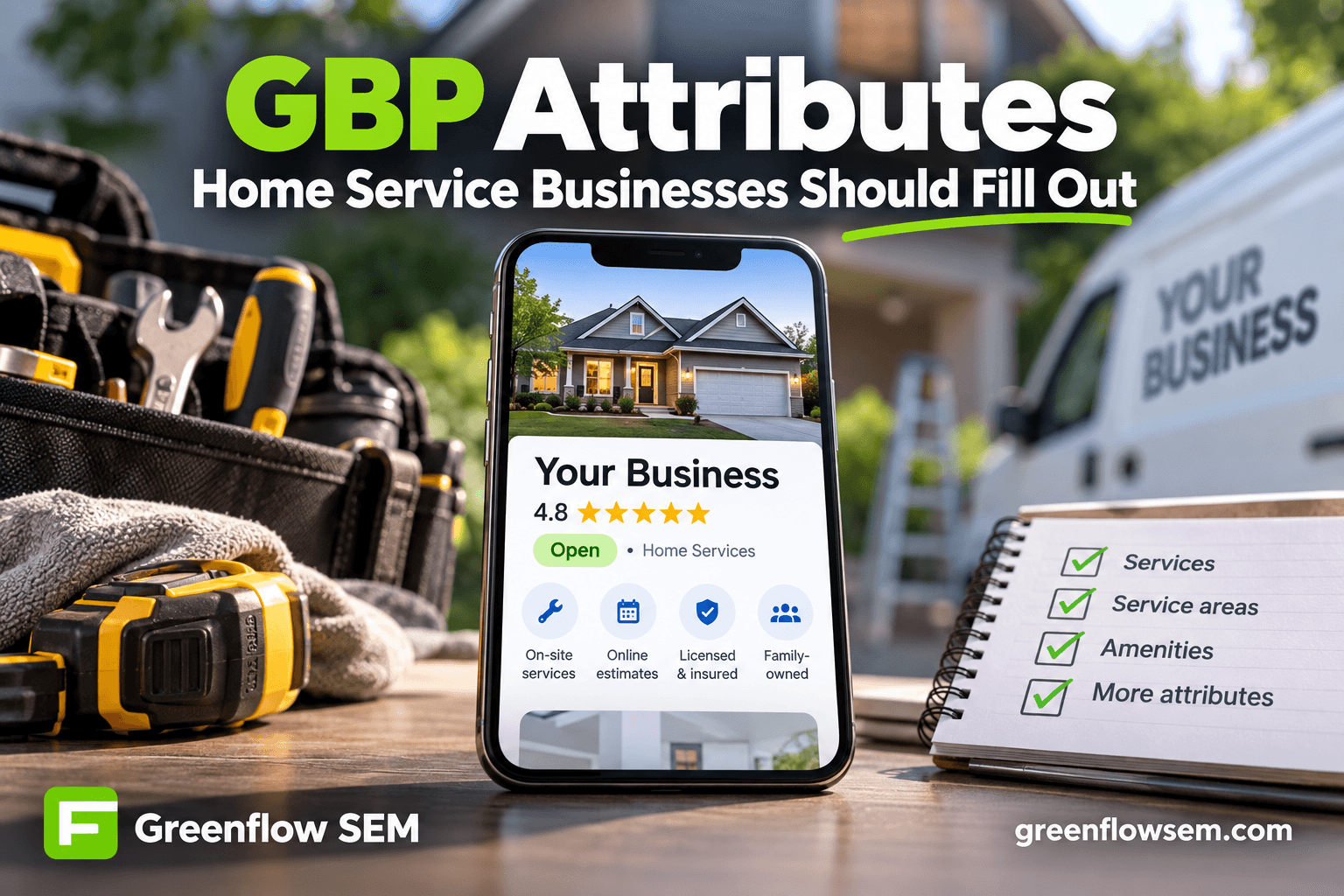
Home service businesses should fill out every attribute that accurately describes how they operate: service options like online estimates and on-site service, identity attributes like veteran-owned or woman-owned if they apply, accessibility details, and payment methods. These small checkboxes round out a Google Business Profile and give Google more signals to match the profile to specific searches.
Attributes will not single-handedly win the map pack. But in the accounts we manage, profiles with complete, accurate attributes tend to look more trustworthy to both Google and the person reading the listing before they call. This guide walks through which attributes actually matter for plumbers, electricians, roofers, HVAC companies, and other home service businesses, which ones to leave alone, and how to find them inside your dashboard.
What Are Google Business Profile Attributes, Exactly?
Attributes are the small, checkable details that sit below your business description on a Google Business Profile. They are different from your primary category, your services list, and your reviews. Attributes exist to answer quick yes-or-no questions a customer might have before they even open your website: does this business offer free estimates, is it black-owned, is the office wheelchair accessible, does it accept credit cards.
Google pulls the available attribute list from your primary and secondary categories, so a plumber and a landscaper will see different menus. Some attributes are self-reported by the business, and a few, like "identifies as women-led," rely on information you confirm. Google occasionally verifies certain attributes through photos or customer feedback, but most are filled out directly by the business owner inside the Google Business Profile dashboard or the Google Maps app.
For a full walkthrough of every section of the profile, not just attributes, see our Google Business Profile optimization checklist.
Which Attributes Matter Most for Home Service Businesses?
Home service businesses do not have a storefront in the traditional sense, so the attributes that matter most are the ones that replace the information a customer would otherwise get by walking into a shop. These fall into a few groups.
Service Options
- Online estimates, if you provide quotes through a form or phone call without an in-person visit
- On-site services, which most home service businesses should enable since the work happens at the customer's property
- Online appointments, if customers can book a time slot directly
- Repair services, for categories like appliance repair or auto body where this applies
Identity Attributes
- Identifies as veteran-led, woman-led, LGBTQ+ owned, or Black-owned, if accurate
- Family-owned, which is common and relevant for trades businesses
- Only use an identity attribute the business owner can personally confirm. Google requires self-attestation, not proof, but misrepresenting ownership creates a trust problem if it is ever questioned
Payments and Accessibility
- Accepted payment methods: credit cards, checks, financing options like Affirm or in-house payment plans
- Wheelchair accessible entrance, parking, or restroom, if the business has a physical office customers visit
- Free Wi-Fi or on-site parking, relevant mainly for businesses with a showroom, like a flooring or kitchen remodeling company
Attribute type and what it signals
- Online estimatesFaster quote path
- On-site serviceConfirms service model
- Veteran-ledTrust signal
- Accepts financingRemoves price objection
- Wheelchair accessibleOffice accessibility
- Free Wi-FiRarely relevant here
The common thread across the attributes worth prioritizing is that they remove friction. A homeowner comparing three plumbers in the map pack is scanning for reasons to call one over the other. "Online estimates" and "accepts financing" answer two of the most common hesitations before a phone even dials. Attributes that do not apply to a service-area business, like Wi-Fi or parking, are safe to skip rather than forcing them in.
It is also worth double-checking that your service area and categories are set correctly before worrying about attributes, since attributes depend on category. If your profile shows the wrong service area or an off-target category, fix that first. We cover this in how to fix a Google Business Profile wrong service area and the best Google Business Profile category for roofers, which applies the same logic to most trades.
How Do You Find and Edit Attributes?
Attributes live in a specific section of the dashboard that is easy to miss if you have only ever touched your hours and photos.
Finding and setting attributes
- Open your profileSign into Google Business Profile Manager or search your business name on GoogleStep 1
- Go to the Info tabScroll past hours, phone, and website to the attributes sectionStep 2
- Click the pencil iconThis opens the full attribute menu for your categoryStep 3
- Check accurate boxesOnly select what genuinely applies to your businessStep 4
- Save and recheck quarterlyNew attributes get added over time as Google updates categoriesStep 5
Attribute availability changes based on your primary and secondary categories, so it is worth revisiting this section every few months. Google periodically rolls out new attributes, and a category change on your profile can unlock or hide options you did not have before. Businesses that set attributes once at profile creation and never return often miss new options that competitors are already using.
If you manage multiple locations, each profile needs its own attribute pass since the attributes that apply to one branch office may not apply to another. Our guide on local SEO for multi-location businesses covers how to keep that consistent across a group of profiles.
Which Attributes Should You Skip or Use Carefully?
Not every available attribute belongs on a home service profile, and a few can backfire if used carelessly.
Attribute best practices
- Do: Check only what's trueConfirmed by owner or staff
- Do: Update after any ownership changeIdentity attributes especially
- Do: Leave irrelevant options uncheckedDon't force a Wi-Fi checkbox
- Avoid: Check every available boxTo seem more complete
- Avoid: Guess at identity attributesThese require self-attestation
- Avoid: Set once and forgetNew attributes get missed
Checking every box that is technically available is the most common mistake we see. A business that marks itself as offering online appointments but never actually confirms bookings through the profile creates a mismatch between what the listing promises and what the front desk delivers. Google does not aggressively police most attributes, but customers notice the gap immediately, and a bad first impression on a lead that was already primed to call is an expensive one to waste.
Identity attributes deserve particular care. These are meant to be self-reported honestly, and Google's policies are built around trust, not verification. A business that checks "veteran-led" without a veteran owner on record risks a profile suspension if it is flagged, on top of the reputational problem. If your profile has ever been suspended or flagged for policy issues, our guide on how to fix a suspended Google Business Profile walks through the recovery process.
Do Attributes Affect Map Pack Rankings?
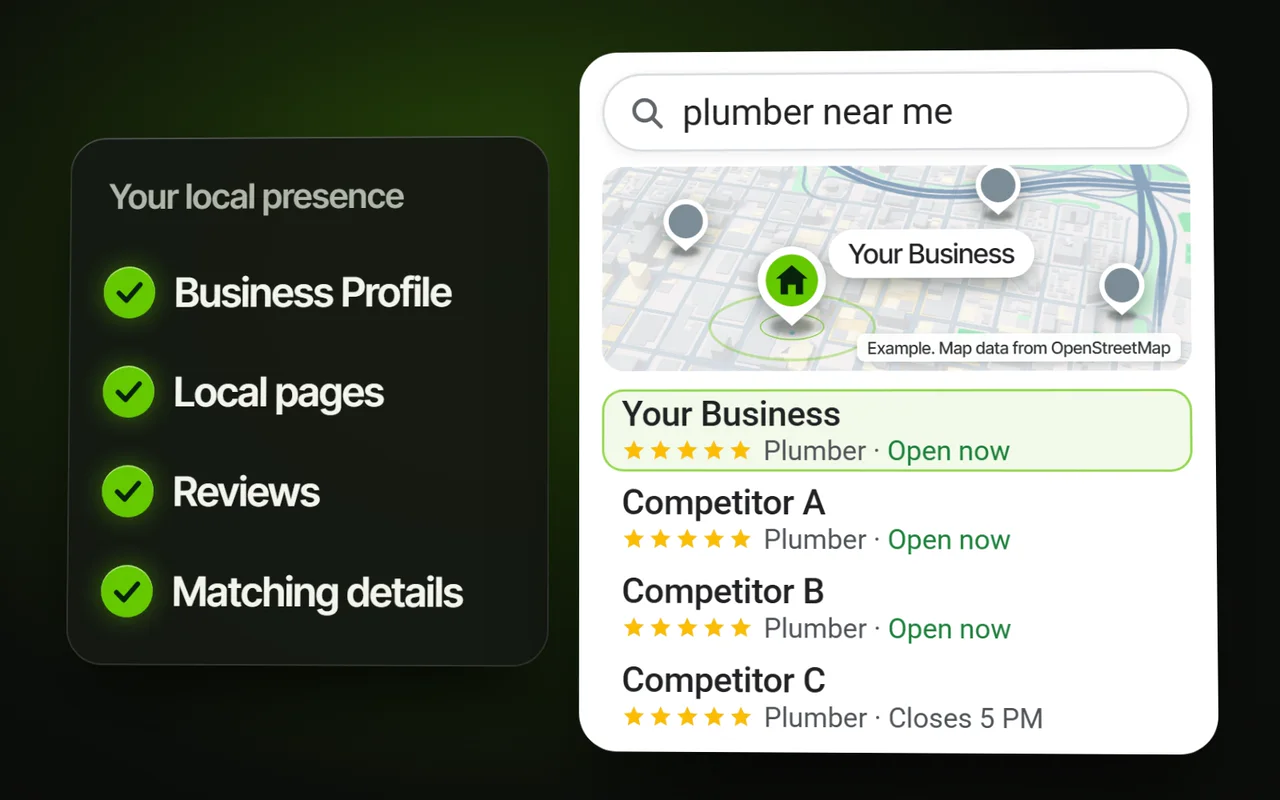
Attributes are not one of the primary ranking factors Google uses to decide who shows up in the three-pack for a local search. Relevance, distance, and prominence, built largely from reviews, citations, and on-page signals, carry far more weight. We go through those factors in detail in how to rank in the Google map pack.
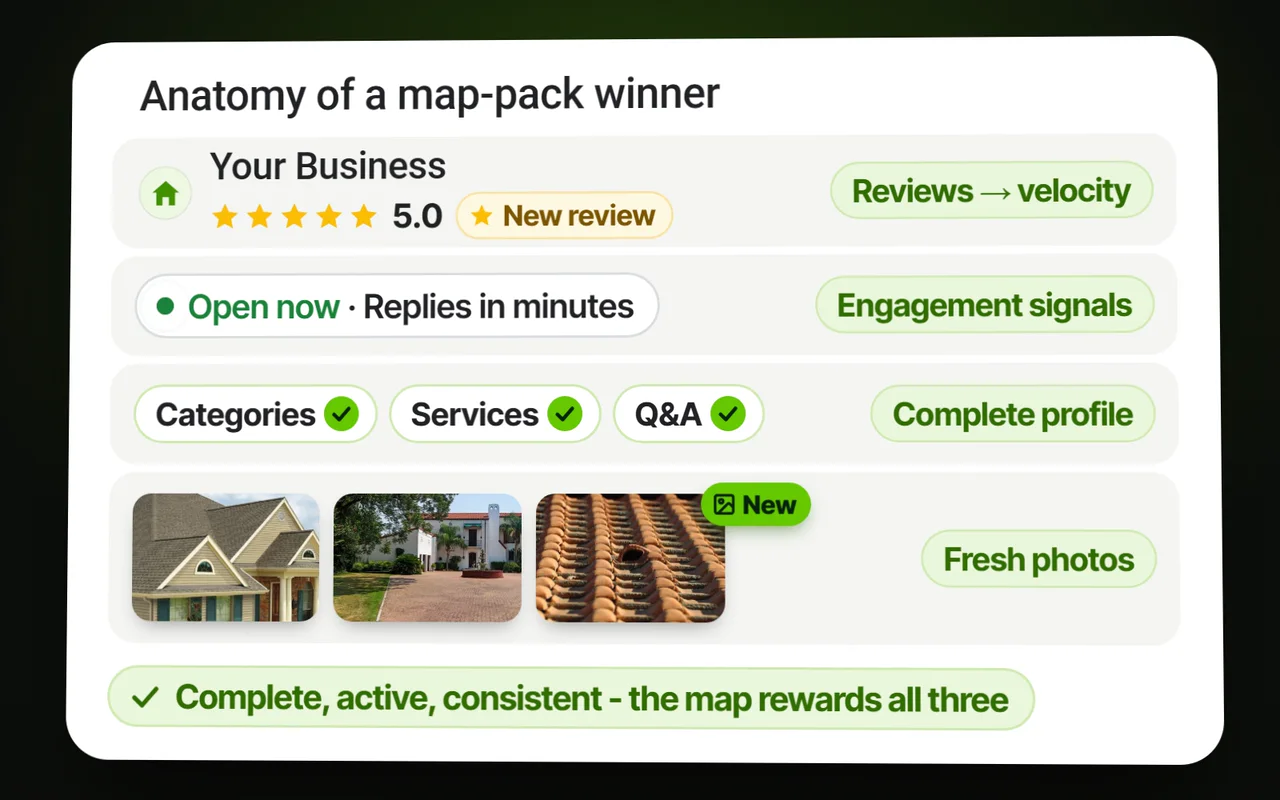
Where attributes help is indirectly. A complete profile, attributes included, is one part of the overall profile completeness Google has said it rewards in general terms, and a profile that looks thorough and well-maintained tends to earn more clicks once it is shown, which can influence future visibility through engagement signals. Attributes also help filter searches: Google sometimes lets users filter map pack results by specific attributes, like "online estimates" or "women-owned," and a profile missing that checkbox simply will not appear in a filtered search where a competitor does.
In practical terms, treat attributes as a supporting signal that rounds out a profile already built on a strong category, consistent reviews, and an optimized description, not a shortcut around that foundation. Our Google Business description guide and how to get more Google reviews cover the two profile elements that carry more direct ranking weight.
What Mistakes Do Home Service Businesses Commonly Make Here?
A few patterns show up repeatedly across home service profiles.
- Leaving the attribute section entirely blank because it was never pointed out during profile setup
- Marking an office as wheelchair accessible when the business is service-area only and has no public office
- Forgetting to update attributes after a change in payment methods or new financing partnerships
- Using identity attributes inconsistently across multiple location profiles under the same ownership group
- Assuming attributes alone will fix a map pack ranking problem that actually stems from a weak category or thin review count
Most of these come down to the same root cause: nobody owns the profile as an ongoing task. Attributes, hours, posts, and photos all drift out of date on a profile nobody revisits. Treating the Google Business Profile as a living asset rather than a one-time setup task is the difference between a listing that keeps earning calls and one that quietly goes stale.
FAQs
Key Takeaways and Next Steps
Google Business Profile attributes are small checkboxes that describe how your business operates: service options, identity, accessibility, and payment methods. They are not a major ranking factor on their own, but they round out a profile, help with filtered searches, and remove hesitation for a customer who has already found you in the map pack and is deciding whether to call.
This week, log into your Google Business Profile Manager, open the Info tab, and scroll to the attributes section. Check every box that is genuinely true of your business, remove any that no longer apply, and skip anything irrelevant to a service-area business. Then take five minutes to confirm your primary category and service area are still accurate, since both control which attributes are even available to you.
If you would rather have your full profile, from categories to attributes to reviews, handled by people who manage these for home service businesses every day, our local SEO plans start at $1,000 a month and include Google Business Profile management as part of the package. You can also book a free strategy call to talk through what your profile needs most right now.